

ไม่มีชุดของขวัญเกมที่คุณต้องการใช่ไหม?
คู่มือมูลค่าที่เก็บไว้
RAID: Shadow Legends Top-Up Guide
Please be sure to fill in the required information accurately to avoid delay on receiving your Gems. Please stay in contact with customer service to provide Screenshot of the package you want to purchase.
Applicable Platforms
RAID: Shadow Legends Mobile
Applicable Region/Server
International Server
Required information for recharging
1.Login Method(Plarium ID/ Google/ Facebook)
2.Account
3.Password
4.Character Name
How to obtain your RAID: Shadow Legends Top-up Information?
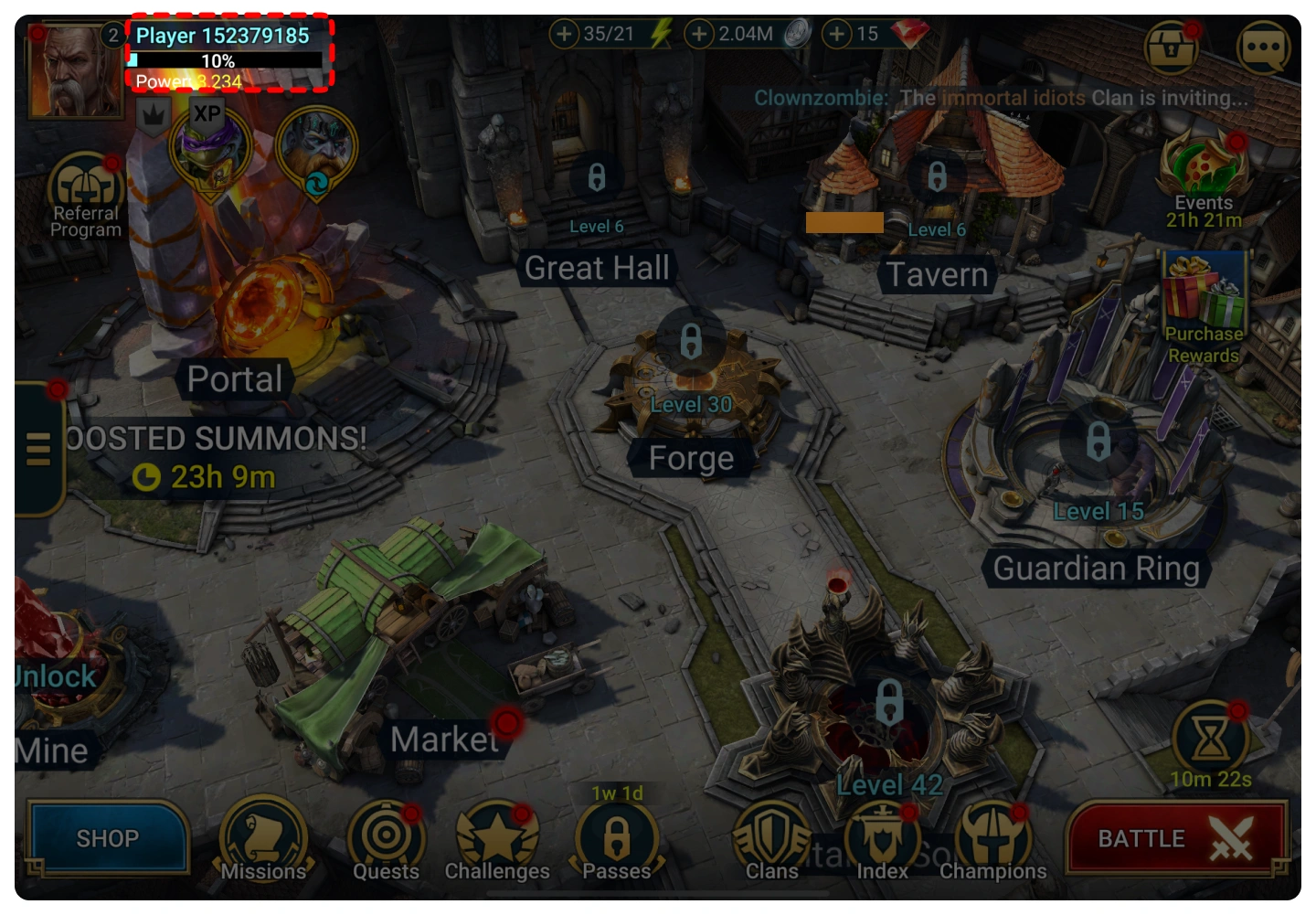
1. You can obtain your Login Account details in the Account page. If you are logged in as a guest, please bind your Plarium ID/ Google/ Facebook Account in accordance with the following guidelines.
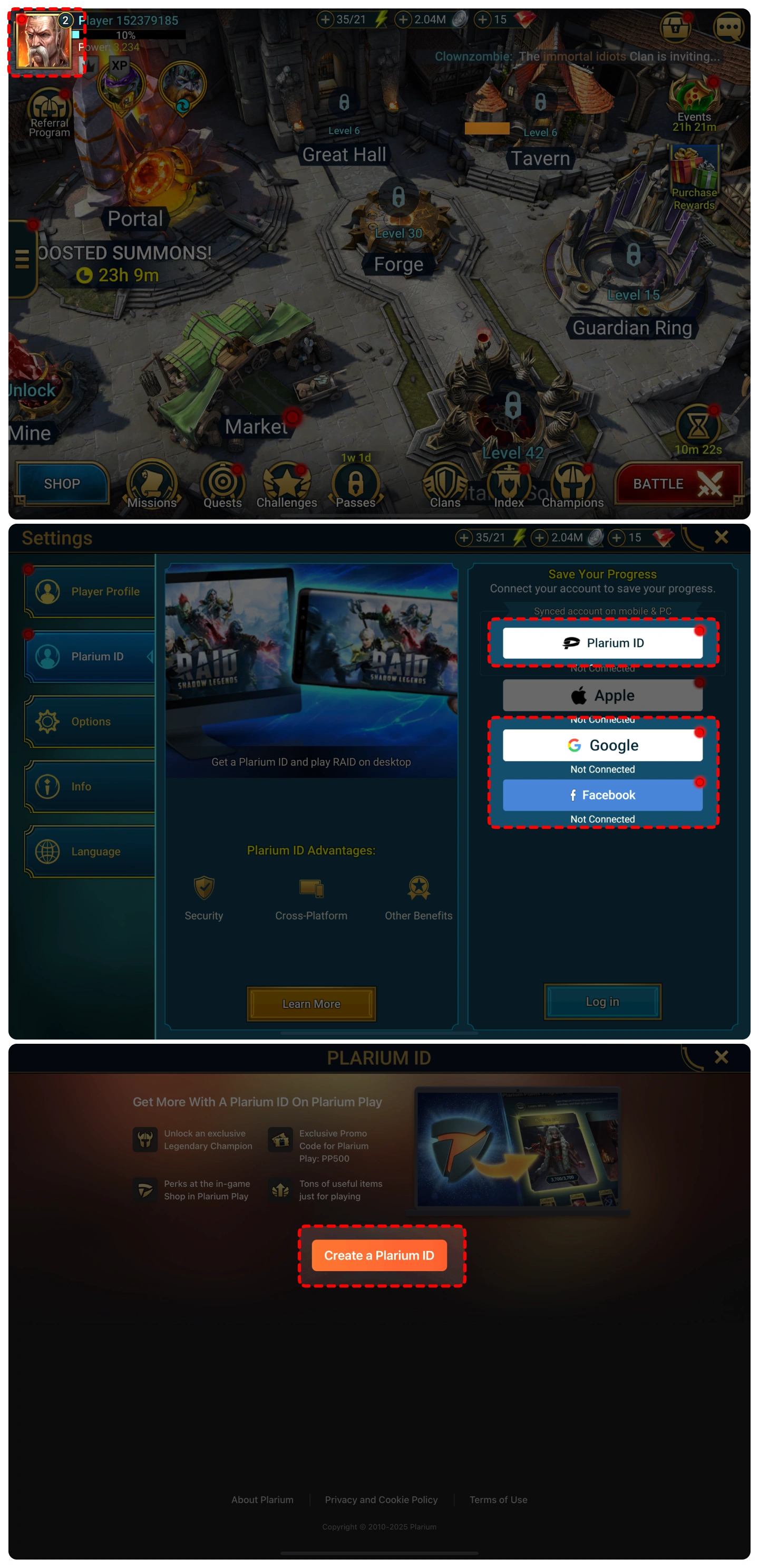
2. You can find your character name in the top-left corner of the main screen.
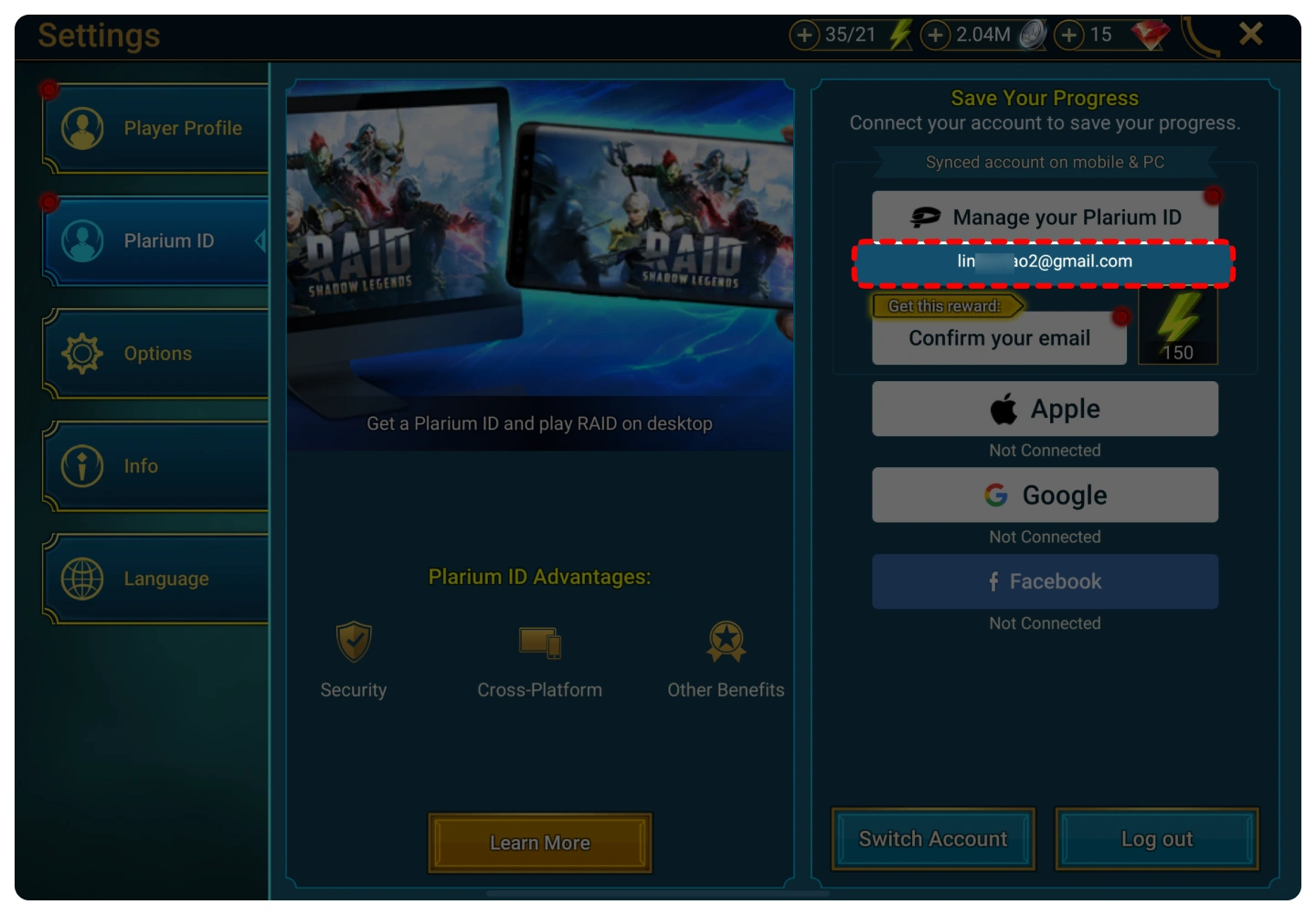
3.Your Plarium Account is displayed below the “Manage your Plarium ID” button.
Top-up Procedures
1. Place your order and complete the payment.
2. Please provide your account information after the payment for us to log in and complete the top-up. Please do not log in to the game during this process.
3. We will purchase/top up the items in the game based on the product you ordered.
4. After we complete the purchase/top-up, we will log out of your account and clear the login history.
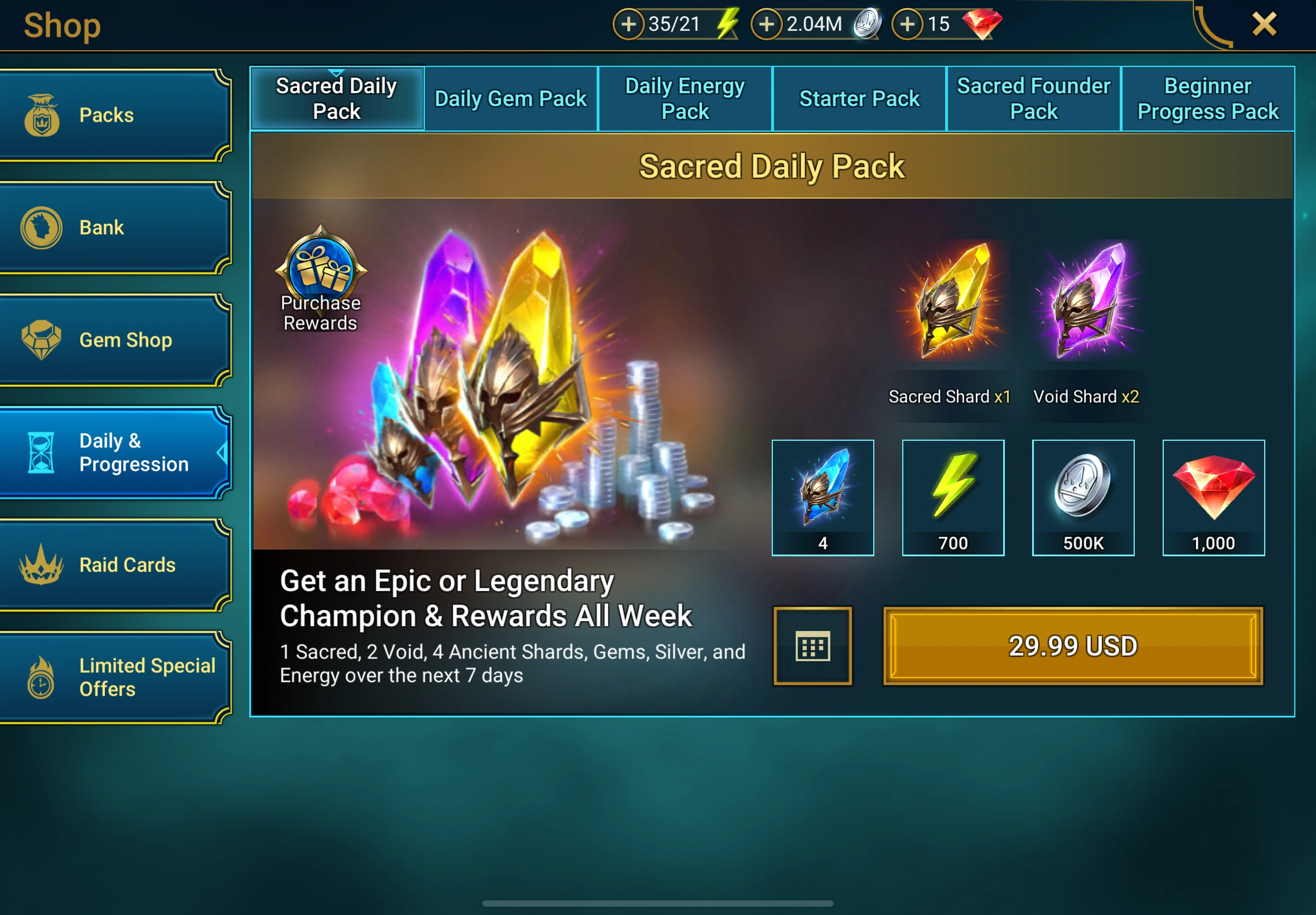
5. You will receive a notification once the top-up is complete, and you can then log in to the game to verify the transaction.

การเข้ารหัสความเป็นส่วนตัว บัญชีที่ไร้กังวล
ใช้เทคโนโลยีการเข้ารหัสข้อมูลระดับธนาคารเพื่อปกป้องข้อมูลการเข้าสู่ระบบของคุณอย่างเคร่งครัด

เติมเงินแบบสายฟ้าแลบ จ่ายทันที
มอบประสบการณ์การเติมเงินที่รวดเร็วเป็นพิเศษโดยเฉลี่ย 3-5 นาทีหลังจากทำการสั่งซื้อ

24/7 เติมเงินเมื่อโทร
ระบบประมวลผลอัตโนมัติและการบริการลูกค้าด้วยตนเองออนไลน์ตลอด 24 ชั่วโมงเพื่อแก้ไขความต้องการเร่งด่วนของคุณได้ตลอดเวลา

คุณภาพกวนจง พยานปากต่อปาก
บอกลาความเสี่ยงที่จะเกิดบัตรสีดำ เราขอยืนยันว่าจะมีการเติมเงินด้วยบัตรสีขาวตามปกติ 100% และกระบวนการทั้งหมดเป็นไปตามข้อกำหนด