

ليس لديك حزمة هدايا اللعبة التي تريدها؟
دليل القيمة المخزنة
RAID: Shadow Legends Top-Up Guide
Please be sure to fill in the required information accurately to avoid delay on receiving your Gems. Please stay in contact with customer service to provide Screenshot of the package you want to purchase.
Applicable Platforms
RAID: Shadow Legends Mobile
Applicable Region/Server
International Server
Required information for recharging
1.Login Method(Plarium ID/ Google/ Facebook)
2.Account
3.Password
4.Character Name
How to obtain your RAID: Shadow Legends Top-up Information?
1. You can obtain your Login Account details in the Account page. If you are logged in as a guest, please bind your Plarium ID/ Google/ Facebook Account in accordance with the following guidelines.
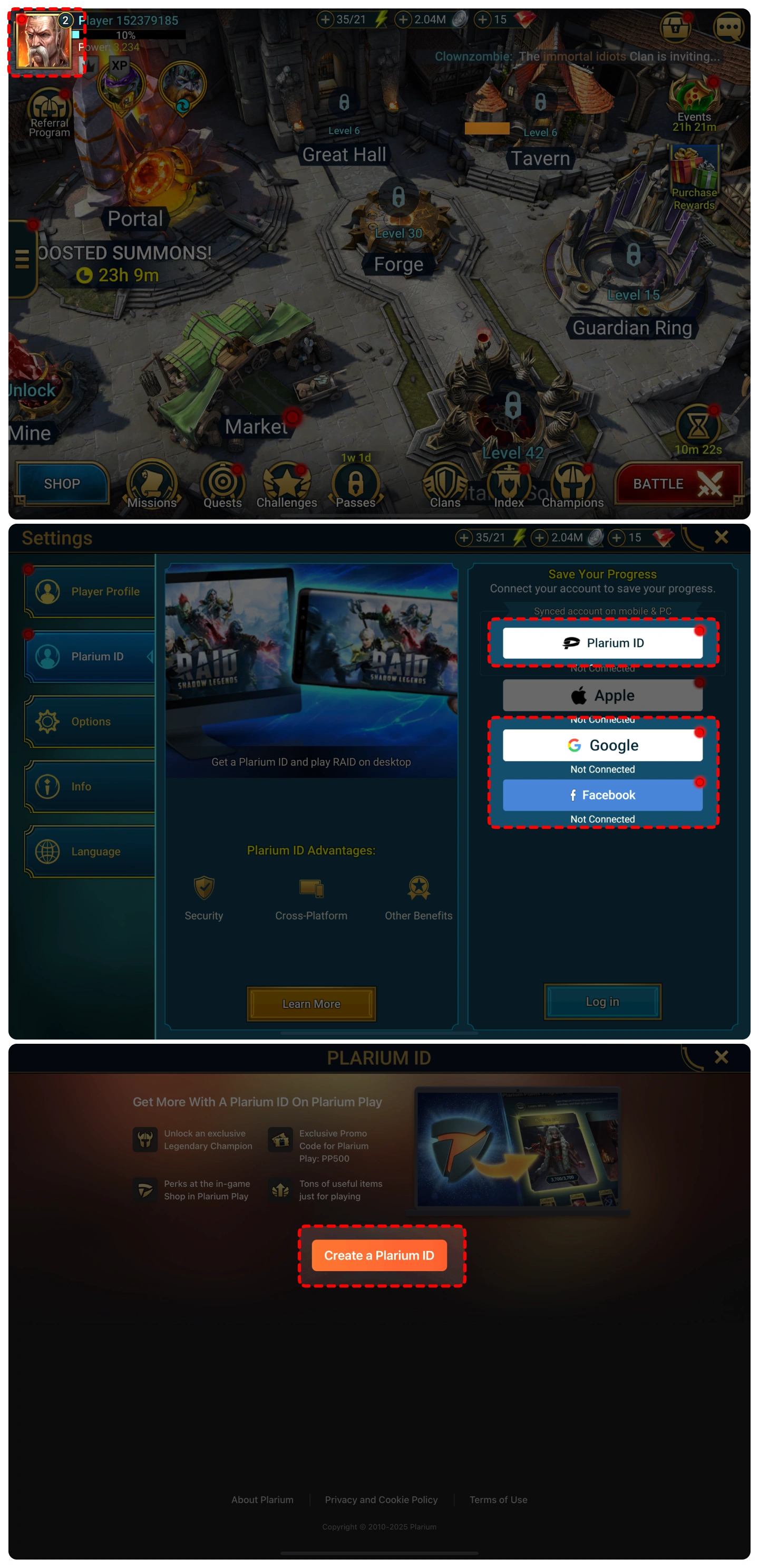
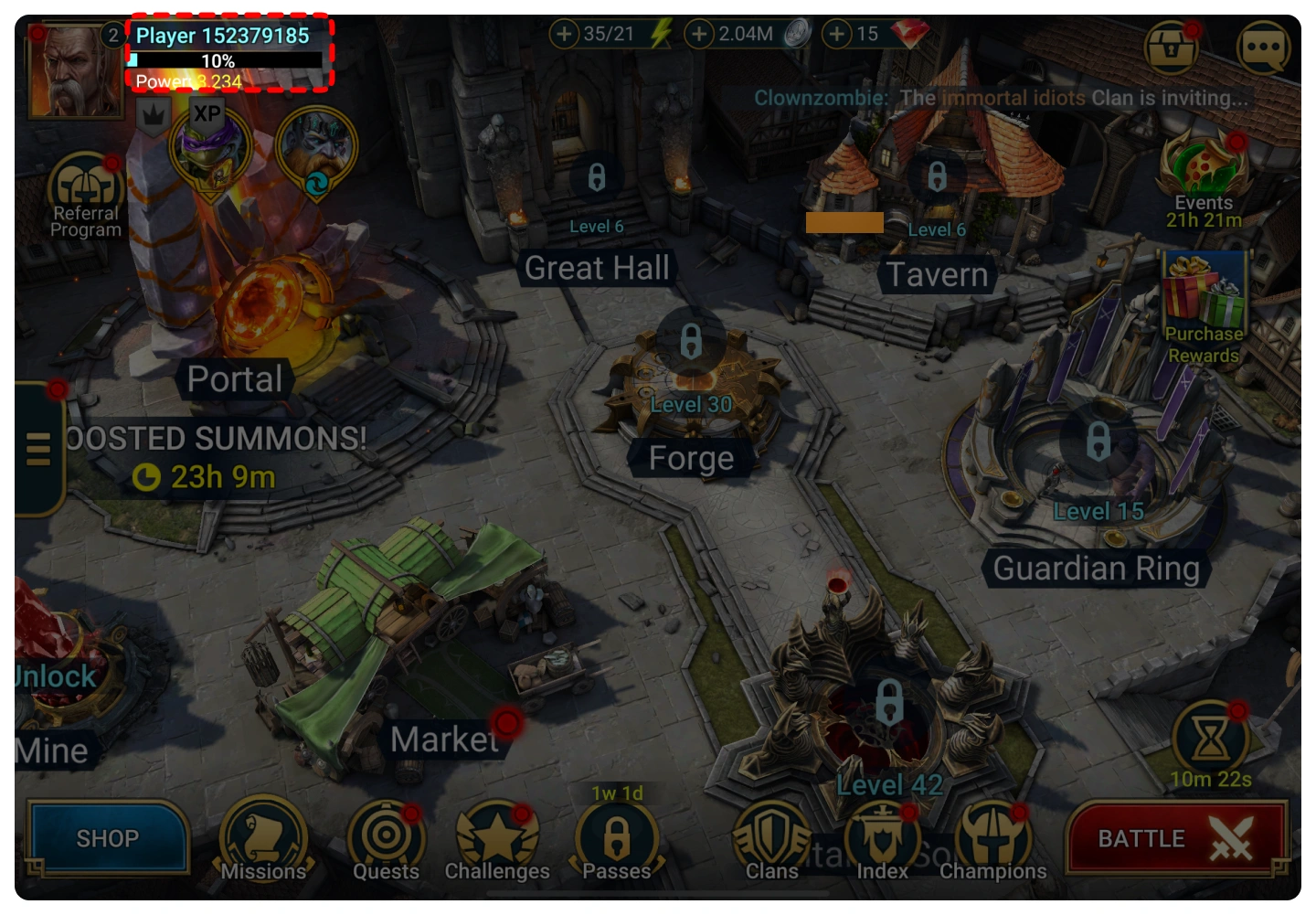
2. You can find your character name in the top-left corner of the main screen.
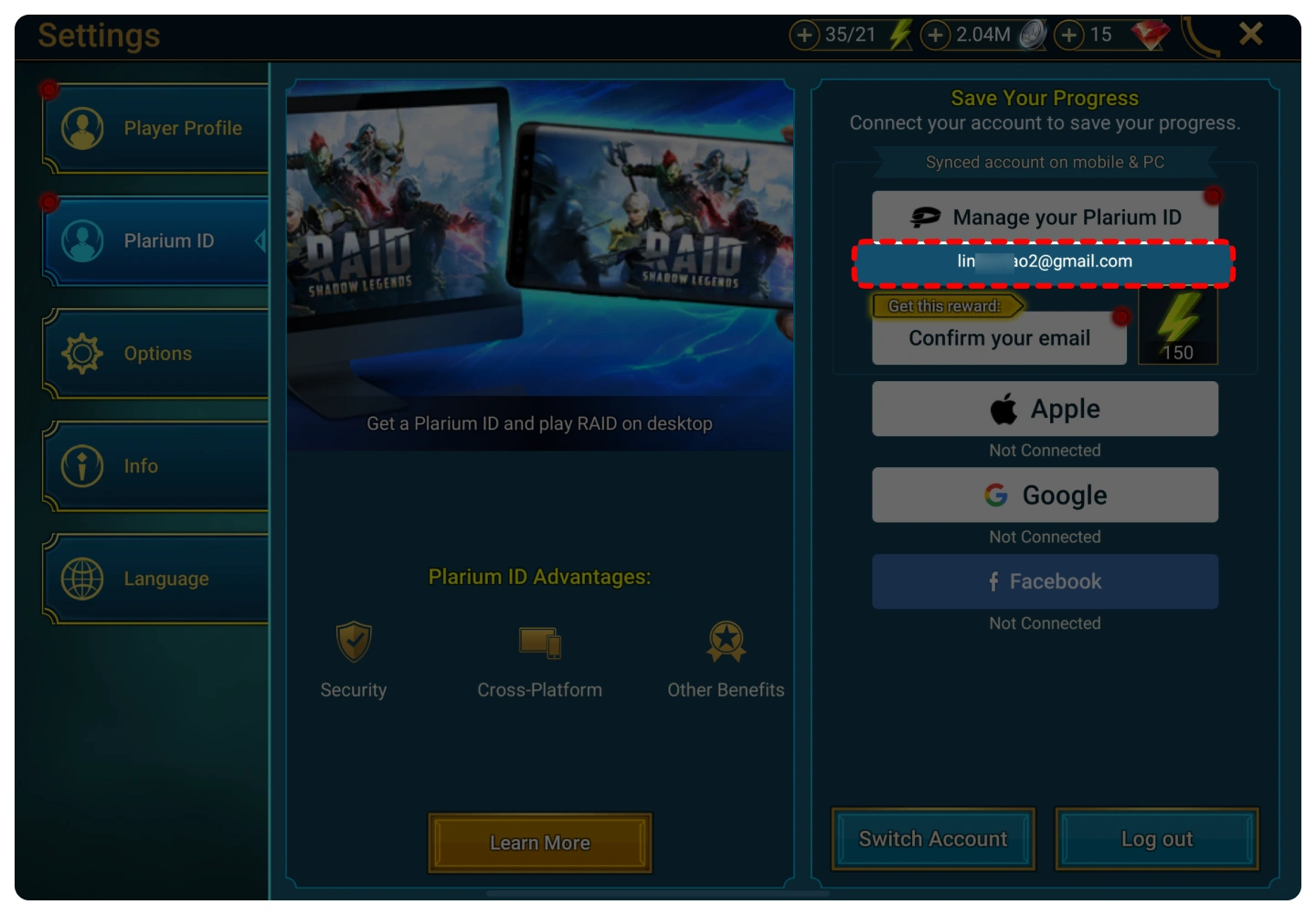
3.Your Plarium Account is displayed below the “Manage your Plarium ID” button.
Top-up Procedures
1. Place your order and complete the payment.
2. Please provide your account information after the payment for us to log in and complete the top-up. Please do not log in to the game during this process.
3. We will purchase/top up the items in the game based on the product you ordered.
4. After we complete the purchase/top-up, we will log out of your account and clear the login history.
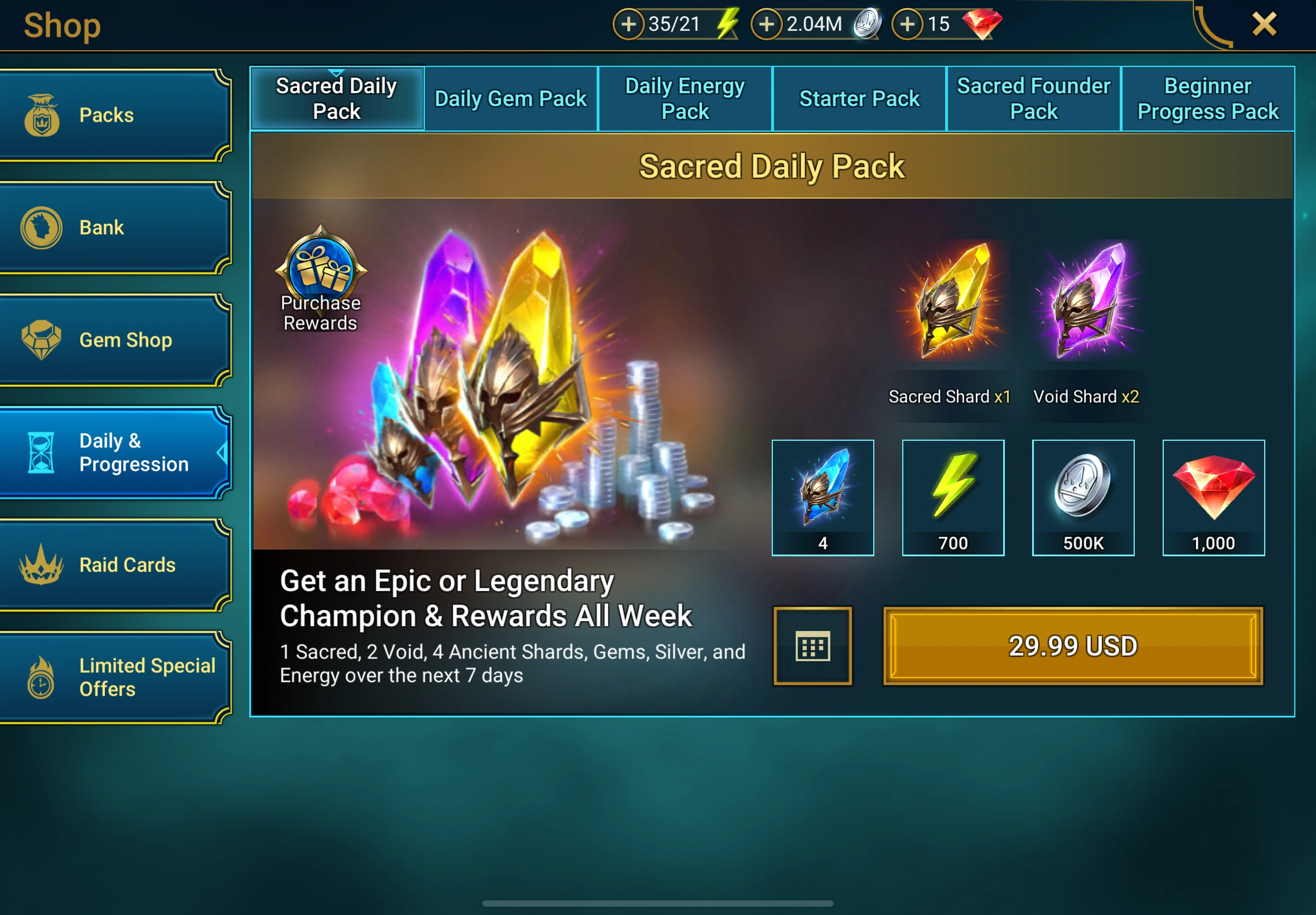
5. You will receive a notification once the top-up is complete, and you can then log in to the game to verify the transaction.

تشفير الخصوصية، حساب خالي من القلق
استخدم تقنية تشفير البيانات على مستوى البنك لحماية معلومات تسجيل الدخول الخاصة بك بشكل صارم.

إعادة شحن البرق، الدفع الفوري
يوفر تجربة إعادة شحن فائقة السرعة، بمتوسط 3-5 دقائق بعد تقديم الطلب.

24/7، إعادة الشحن عند الاتصال
يتوفر نظام المعالجة الآلي وخدمة العملاء اليدوية على الإنترنت على مدار 24 ساعة يوميًا لحل احتياجاتك العاجلة في أي وقت.

جودة Guanzhong، شهادة شفهية
قل وداعًا لمخاطر البطاقات السوداء، فنحن نصر على إعادة شحن البطاقة البيضاء بشكل منتظم بنسبة 100%، وتكون العملية برمتها متوافقة.